ScannX Digital Copier
The First Library-Focused Digital Copier Powered by ScannX Software
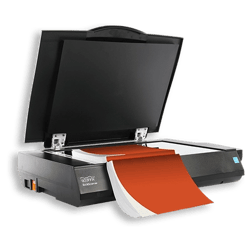
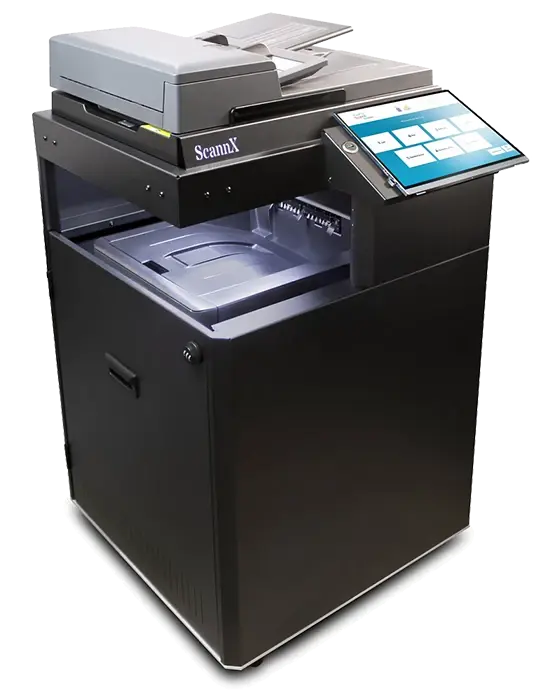
The ScannX Digital Copier represents the next generation in copier technology, combining high-speed copying, advanced document scanning, AI based services, and seamless cloud workflow integration in a single, patron-friendly device. Designed specifically for public, academic, and special libraries, the ScannX Digital Copier redefines what a library copier can do.
What truly sets our Digital Copier apart is its native integration with ScanPerfect®, the award-winning scanning software from ScannX. This powerful combination makes the Digital Copier the industry’s first copier capable of producing “perfect copies” every time, automatically correcting alignment, orientation, and image quality for consistently professional results.
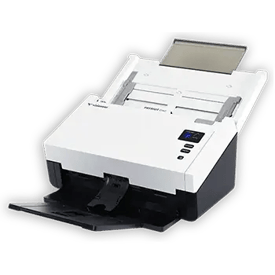
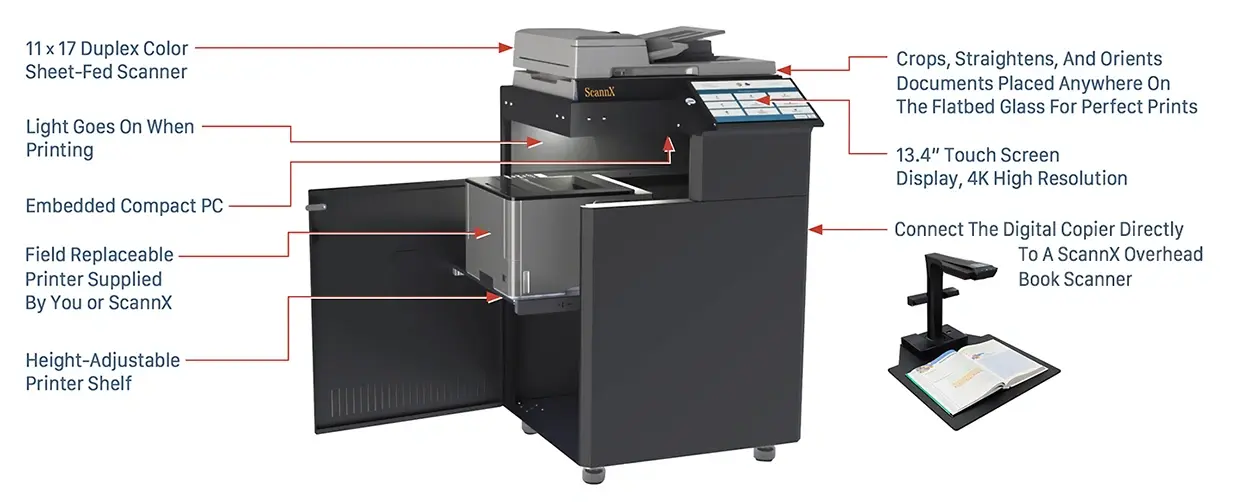
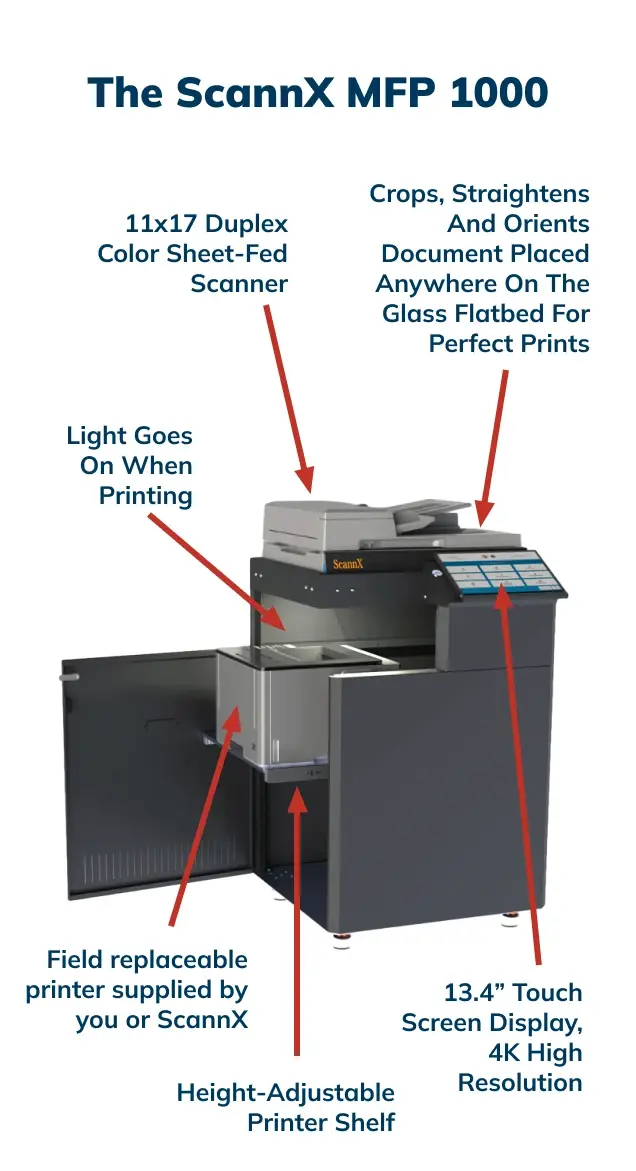
Built for demanding library environments, the ScannX Digital Copier supports 11" × 17" scanning, while its high-performance document feeder processes materials at speeds of up to 50 pages per minute / 100 images per minute in both color and black-and-white. Its modular architecture allows libraries to choose the color laser printer configuration that best fits their needs, supporting 8.5" × 11" or 8.5" × 14" output with print speeds ranging from 25 to 50 copies per minute.
The result is a library-optimized multifunction copier and scanner that delivers exceptional performance, intuitive operation, and unmatched flexibility—ideal for patron self-service, staff workflows, and modern digitization demands.
One Device, Endless Copying Possibilities
The ScanPerfect software enables the ScannX Digital Copier to convert copies into more than a dozen file formats, and send them to more than 25 destinations from a single copy, no re-copying or re-scanning required. New features include translation and handwriting recognition services, and accessibility features for the visually impaired. Track usage statistics of all scanners and Copiers powered by ScannX software.
Unlike other copiers and Copiers, the ScanPerfect software automatically crops, rotates and orients the image to produce perfect copies, regardless of where you place the document on the flatbed glass. Add an optional ScannX book scanner to an available USB port, and scan books. It’s that simple!
Powered by ScannX’s Award Winning ScanPerfect Software
No learning a new user interface. The same ScannX ScanPerfect Software that is used on our digitization solutions is the same software that runs on the ScannX Digital Copier, with Scannalytics cloud services to track usage.
Download the Data Sheet
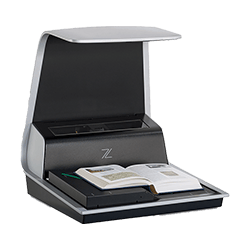
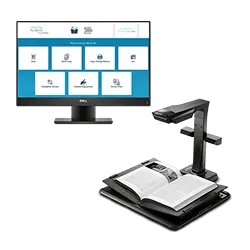
Add the Power of Overhead Book Scanning!
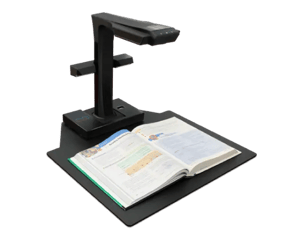
Connect a ScannX book scanner to the ScannX Digital Copier for additional scanning versatility

Designed for Patrons, Powered for Libraries
The ScannX Digital Copier is an all-in-one multifunction printer and document scanning solution built for libraries, educational institutions, government agencies, and enterprise organizations. Powered by ScannX industry-leading ScanPerfect software, ScannX Digital Copier handles workloads of all sizes while reducing staff workload, improving efficiency, and delivering consistent, high-quality results. Supported by the following powerful features:
Smart Analytics & Flexible Payment Options for Library Copying Services
-
Advanced Usage Analytics: Track scanning, copying, and printing activity across all connected devices with detailed, exportable reports that support budgeting, planning, and service optimization.
-
Pay-Per-Use Revenue Options: Enable cost-recovery with pay-per-use scanning, copying, and printing. Integrated payment support allows libraries to accept both cash and credit card payments, helping offset operational costs.
High-Quality Scan Automation Built for High-Volume Workflows
-
Automated Image Optimization: Auto-crop, auto-straighten, and auto-orient every scan to produce clean, readable, and perfectly aligned images—ideal for books, documents, and mixed media.
-
Advanced OCR & Accessibility Support: Powered by the ABBYY FineReader OCR engine, scanned text can be converted into searchable PDFs as well as MP3 and ePub audio formats, supporting accessibility initiatives and inclusive library services.
One-Touch Scanning with Multiple Formats & Destinations
-
One Scan, Up to Three File Formats: Create up to three different file formats from a single scan, reducing time and improving efficiency—no rescanning required.
-
Scan Once, Save and Share Everywhere: Deliver files to more than 25 local and cloud-based destinations in one step, without re-copying or rescanning, keeping patron and staff workflows fast and seamless.
Access and Share Scanned Documents Anywhere
-
Send Scans to Mobile Devices: Forgot your laptop? Easily send scanned documents directly to your smartphone or tablet for instant access—perfect for patrons, students, and staff on the go.
-
Print from Cloud or Local Storage: Print files directly from a USB drive or popular cloud storage services, eliminating the need for additional workstations or file transfers.
Edit and Enhance Digitized Documents with Ease
-
Flexible Page Editing Tools: Using the intuitive ScannX Digital Copier touchscreen interface, users can quickly reorder, insert, or delete pages before saving or printing—no rescanning required.
-
Advanced Text Enhancement Options: Enhance digitized documents with optional services such as language translation, handwriting recognition, and plagiarism detection—ideal for academic, research, and accessibility workflows.
Built-in Accessibility Features
-
Multi-Language User Interface: Designed for diverse communities, the system supports multiple user-selectable languages, allowing patrons and staff to easily interact with the interface in their preferred language.
-
Accessibility for Visually Impaired Users: Built-in accessibility tools—including high-contrast display modes, audio narration, screen readback, narration speed control, keyboard navigation, and adjustable text magnification help ensure an inclusive experience for users with visual impairments and support ADA-aligned accessibility standards.
FAQs
What is the ScannX Digital Copiers maximum scan area?
How fast can it scan documents through its duplex auto document feeder?
All copiers and MFPs, except the ScannX Digital Copier, require a document to be placed in the upper left corner of the flatbed glass. Moreover, if the document is placed on the glass in the upper left corner in portrait mode, but the image is in landscape mode, the image will not print correctly. Does the ScannX Digital Copier have this same limitation?
Can I print a copy of a document while at the same time store it in my cloud account without recopying it?
What is the ScannX Digital Copiers maximum print area?
Can I convert a document into both a PDF file format and an MP3 audio file format for later listening without recopying it?
Can I add an overhead book scanner to the ScannX Digital Copier?
How big is the touchscreen display on the ScannX Digital Copier?
If my printer in the Digital Copier breaks or is jammed, is the system down until a field service technician comes on-site to repair or replace it?
What vending systems with the ScannX Digital Copier work with?
The ScannX Digital Copier works with industry standard coin, bill and credit card solutions from Square, ITC, Jamex.
What print management solutions work with the ScannX Digital Copier?
.
Can I print out files on my USB drive and/or cloud account?
What other optional cloud services are offered on the ScannX Digital Copier?
Does the Digital Copier offer any tools for the visually impaired?

Schedule a Web Demo today
and take the first step toward a smarter scanning solution!